How to Automate Bookings Small Business Australia: A No-Nonsense Guide for Tradies
If you're still taking bookings over the phone, scribbling jobs in a paper diary, or spending Sunday nights catching up on admin, you're bleeding time and money. Learning how to automate bookings for your small business in Australia isn't complicated — it just requires knowing which tools actually work for tradies and how to set them up properly. This guide cuts through the noise and shows you exactly what to do.
Related: Customer Won't Pay? Your Step-by-Step Recovery Guide
Related: 5 Apps That Save Australian Tradies 5+ Hours Weekly
Related: Tax Deductions Australian Service Businesses Miss
Why Manual Booking Is Killing Your Productivity (and Your Weekends)
Let's be honest about what manual booking actually costs you.
The average Australian tradie spends somewhere between 8 and 12 hours a week on scheduling, follow-ups, and admin. At a conservative charge-out rate of $90 an hour, that's $720 to $1,080 worth of time every single week that you're not billing for. Over a full year, that adds up to somewhere between $37,000 and $56,000 in lost opportunity — money that's sitting on the table because you're answering phone calls during a job or copying appointments from a text message into a calendar.
Related: Win 30% More Jobs: The Quote Follow-Up System
Manual booking also creates problems that cost you in less obvious ways:
- Double bookings that damage your reputation and lose clients
- No-shows from customers who forgot because no one sent a reminder
- Missed leads because you couldn't pick up the phone while you were on the tools
- Poor route planning that has your team driving across town when they could be running back-to-back jobs in the same suburb
Related: Gardener Raised Rates from $35 to $85/hr—No Clients Lost
The tools to fix all of this exist right now, they're affordable, and most of them are designed specifically for the Australian trade market. Here's how to use them.
How to Automate Bookings for Your Small Business in Australia: The Core Options
There are three main approaches to booking automation for tradies in Australia, and the right one depends on your business size and how you currently get work.
Option 1: Field Service Management Software
This is the gold standard for most Australian tradies. Platforms like ServiceM8, Tradify, Fergus, and Simpro are built from the ground up for field service businesses. They handle scheduling, job management, invoicing, and client communications in one place.
Related: Employee vs Contractor: ATO Rules for Service Businesses
ServiceM8 is probably the most widely used among smaller Australian trade businesses. It has a free plan that covers up to 20 jobs per month, which is enough to test the system before committing. Paid plans start at around $29/month for 100 jobs and $49/month for unlimited jobs. It integrates directly with Xero and MYOB, which most Australian tradies are already using for their accounting.
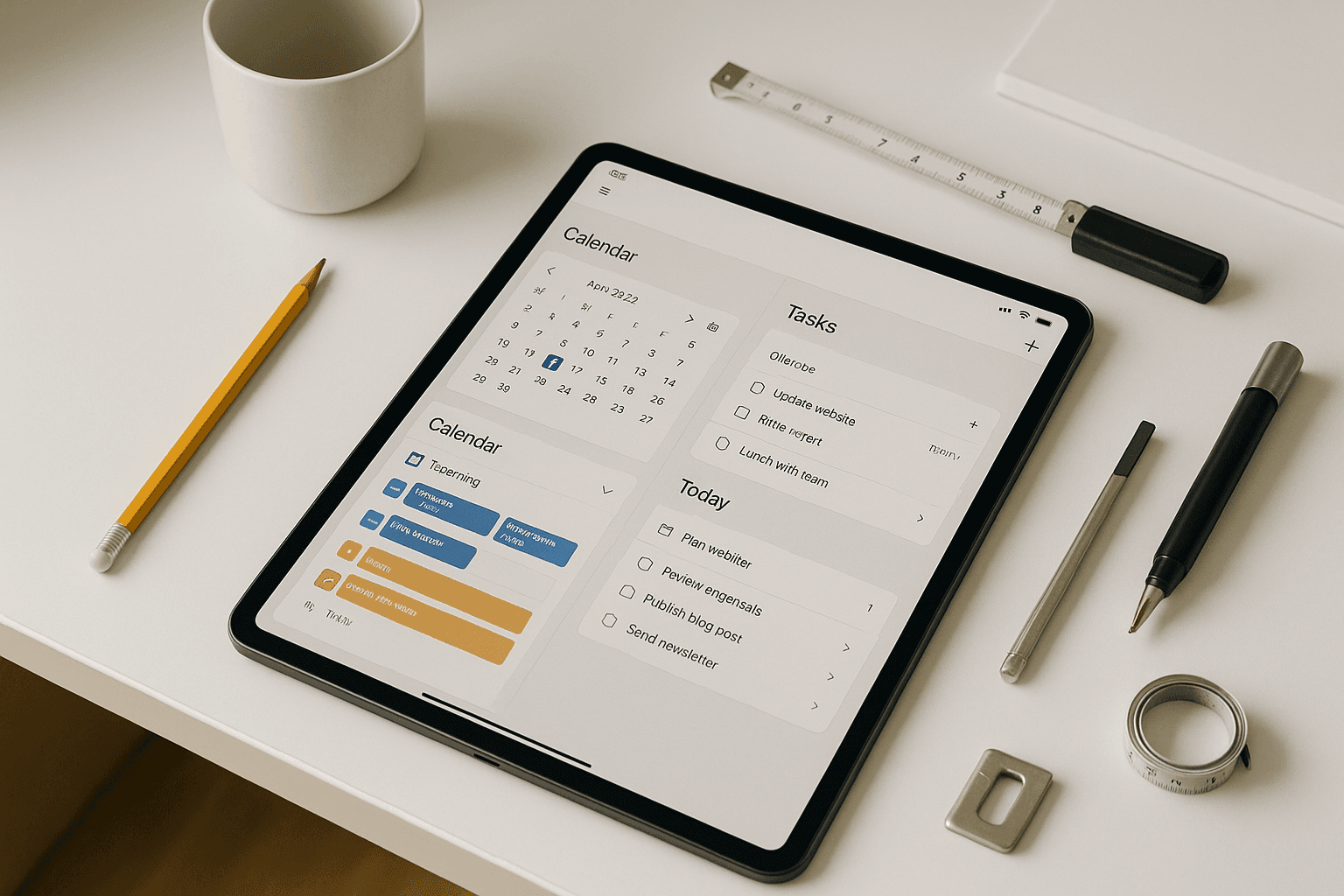
What makes ServiceM8 useful for booking automation specifically is the client-facing booking portal. You can set your available time slots, and customers can book directly without needing to call you. The system sends automatic confirmation and reminder messages via SMS and email, which alone will reduce your no-show rate significantly.
Tradify sits at a slightly higher price point — around $48–$62 per user per month — but it offers a more sophisticated scheduling interface with drag-and-drop job management and detailed reporting. If you're running multiple crews across different job types, Tradify gives you more control over how work gets allocated.
Fergus is another strong option, particularly popular with plumbers and electricians. It has a clean mobile interface and handles quoting, scheduling, and invoicing in one workflow. Pricing is similar to Tradify.
Simpro is the enterprise option. It's built for larger trade businesses running complex projects with multiple teams, and pricing reflects that — expect custom quotes starting north of $100/month. If you're a sole trader or small crew, Simpro is probably overkill.
Option 2: Standalone Online Booking Tools
If you're not ready to overhaul your entire job management system, you can add an online booking widget to your existing website. Tools like Calendly, Acuity Scheduling, and Square Appointments let customers book a consultation or quote call directly from your site.
These aren't purpose-built for tradies, but they work well for the initial booking step — getting a customer locked into a time to speak with you or receive a quote. You can then manage the actual job in whatever system you're already using.
Calendly has a free tier that covers basic scheduling, and paid plans start at around $10–$15 AUD per month. Acuity Scheduling (now part of Squarespace) starts at around $20 AUD per month and gives you more control over intake forms, which is useful if you want to collect job details before the call.
The limitation here is that these tools don't connect to your job management or invoicing workflow. You'll still need to manually transfer information across, which defeats part of the purpose. They work best as a stopgap while you're evaluating a full field service management platform.
Option 3: Google Business Profile + Booking Integration
If the majority of your work comes from Google searches — and for most Australian tradies, it does — you can add a booking button directly to your Google Business Profile. This connects to platforms like ServiceM8 or Acuity and lets potential customers book from Google without ever visiting your website.
This is a genuinely underused option. When someone searches "plumber near me" at 10pm because they've got a leaking pipe, they want to act immediately. A booking button on your Google profile captures that lead before they move on to the next result. Setting this up takes less than an hour and costs nothing beyond whatever platform you're connecting it to.
Setting Up Automated Reminders and Confirmations
Getting the booking in the calendar is only half the job. The other half is making sure the customer actually shows up, and that you or your team are prepared for the job.
Most field service management platforms include automated messaging as a standard feature. Here's what a basic automation sequence looks like once a booking is confirmed:
- Immediate confirmation — Customer receives an SMS and/or email confirming the booking, job address, and expected arrival window
- 48-hour reminder — Automated message sent two days before the job, prompting the customer to confirm or reschedule
- Day-before reminder — Final reminder the evening before the job, often including the name of the technician who'll be attending
- On-the-way notification — Some platforms (ServiceM8 does this well) send the customer a real-time notification when your tech is en route, which cuts down on "where are you?" calls
This sequence runs automatically once you set it up. You don't touch it. It just works.
In practice, tradies who implement automated reminders typically see their no-show rate drop by 30–50%. If you're currently losing one or two jobs a week to no-shows, that's a meaningful improvement.
Connecting Bookings to Quoting and Invoicing
One of the biggest time-wasters in a trade business is re-entering the same information multiple times — once when the customer books, again when you create a quote, and again when you raise an invoice. Automating bookings only saves you real time if the information flows through to the rest of your workflow.
This is where proper integration matters.
In ServiceM8, Tradify, and Fergus, a booking triggers the creation of a job card. That job card carries the customer's details, job address, scope of work, and any notes from the intake form. When the job is completed, you can convert the job card to an invoice in one click. If you're using Xero or MYOB for accounting, the invoice syncs automatically — no double entry.
For businesses still processing invoices manually, the numbers are stark. Manual invoice processing costs between $12 and $30 per invoice when you factor in time, error correction, and follow-up. Automating the process brings that down to $1–$5. For a business processing 50 invoices a month, that's a saving of up to $1,250 every single month.
The other cash flow benefit: automated invoices get sent the moment a job is marked complete, rather than sitting in a pile until Friday afternoon. Businesses using automated invoicing typically collect payment 15–25 days faster than those using manual processes. That's real money in your account sooner.
How to Automate Bookings for Your Small Business in Australia: Getting Started Without Wasting a Weekend
The biggest mistake tradies make with automation is trying to do everything at once. They sign up for a platform, get overwhelmed by the setup, and abandon it after two weeks. Here's a more practical approach.
Week 1: Start with one tool, one workflow. Pick a platform — ServiceM8 if you're a smaller operation, Tradify or Fergus if you're running a team — and sign up for a free trial. Most offer 14–30 days free. Don't try to migrate everything. Just connect your Google Calendar, set up your available booking hours, and share the booking link with your next five inquiries instead of playing phone tag.
Week 2: Set up your reminder sequence. Once you've got a booking or two through the system, configure your automated SMS reminders. Most platforms have a template you can customise in under 20 minutes. Test it by booking yourself.
Week 3: Connect your accounting software. Link ServiceM8, Tradify, or Fergus to Xero, MYOB, or whichever accounting platform you're already using. Run a few invoices through the automated workflow and check they're reconciling correctly.
Week 4: Review and refine. Look at what's working. Are customers actually using the online booking link? Are reminders going out at the right times? What's your no-show rate compared to the month before?
Most tradies who follow this approach have a working booking automation setup within a month — without spending a weekend on it.
AI Time Savings Calculator — Enter your current admin hours and see exactly how much time (and money) AI automation could save your business each week. Find out how much time AI saves →
How to Automate Bookings for Your Small Business in Australia: The Bottom Line
Booking automation isn't about replacing the personal side of your business. Your customers still want to deal with a tradie who knows what they're doing and turns up when they say they will. Automation just handles the repetitive, time-consuming logistics so you can focus on the actual work.
The tools are there, they're affordable (most start under $50/month), and they're built for the Australian market. ServiceM8, Tradify, Fergus, and Simpro are all used by thousands of Australian tradies right now. Xero integrates with all of them. The infrastructure is mature and it works.
If you're serious about figuring out how to automate bookings for your small business in Australia, the best next step is simple: pick one platform, sign up for a free trial this week, and get your first automated booking in the calendar before the month is out. You'll wonder why you waited.
Ready to set up your trade business for better leads and less admin? Get in touch with the ServiceScale team and we'll help you choose and configure the right setup for your business.